
Solaris 11.4 got two new functions called reflink and reflinkat. It seems to be a rather small change, but it has quite some importance. The man page explains:
The  reflink()  function  creates the file named by path2 with the
contents of the file named by path1. The reflink() function does not
read or  write  the  underlying  data blocks. The path1 argument points
to a path name naming an existing file. The path2 argument points to a
path name naming the new directory entry to be created
This creates a copy of the file without actually reading and writing it. However, both files are independent afterwards. You can write into a file without changing the copy. So it’s not just a symbolic link or something like that. Think of it like a ZFS clone, just at the file level. Important to know: It only works this way when both files are in the same ZFS pool.
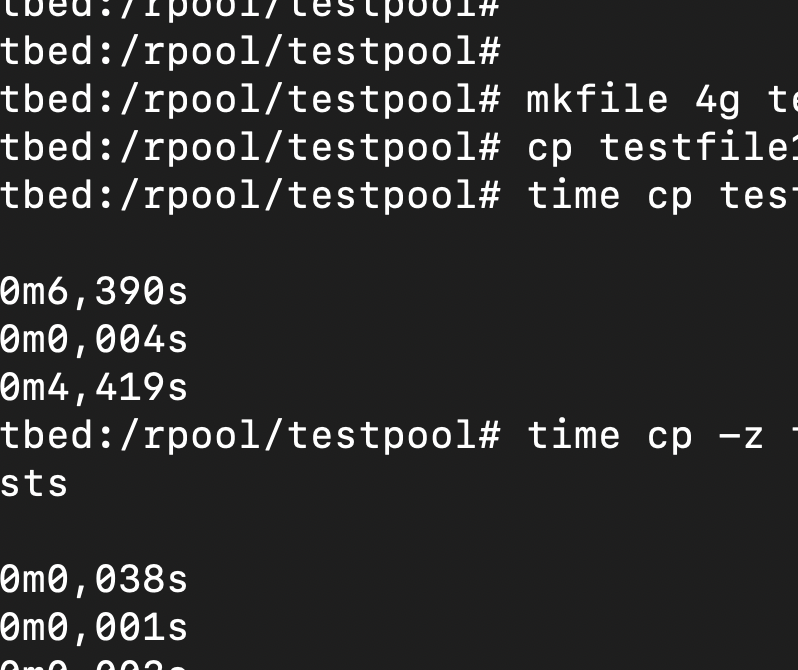
Okay, how do you use this function? Well, you don’t have to write your own application; the easiest way to use it is cp -z. First I will use a normal copy after generating a 4 GB file.
root@testbed:/rpool/testpool# mkfile 4g testfile1
root@testbed:/rpool/testpool# cp testfile1 testfile0
root@testbed:/rpool/testpool# time cp testfile1 testfile2
real    0m6,621s
user    0m0,005s
sys     0m4,702s
Now we add the -z option.
root@testbed:/rpool/testpool# time cp -z testfile1 testfile3
real    0m0,069s
user    0m0,001s
sys     0m0,003s
Significantly faster. So — where can you use this feature? For example when you want to provision VM files in a very fast or space-efficient manner. Or to provision a copy of a database for your developers.
Do you want to learn more?
docs.oracle.com - reflink (3c)